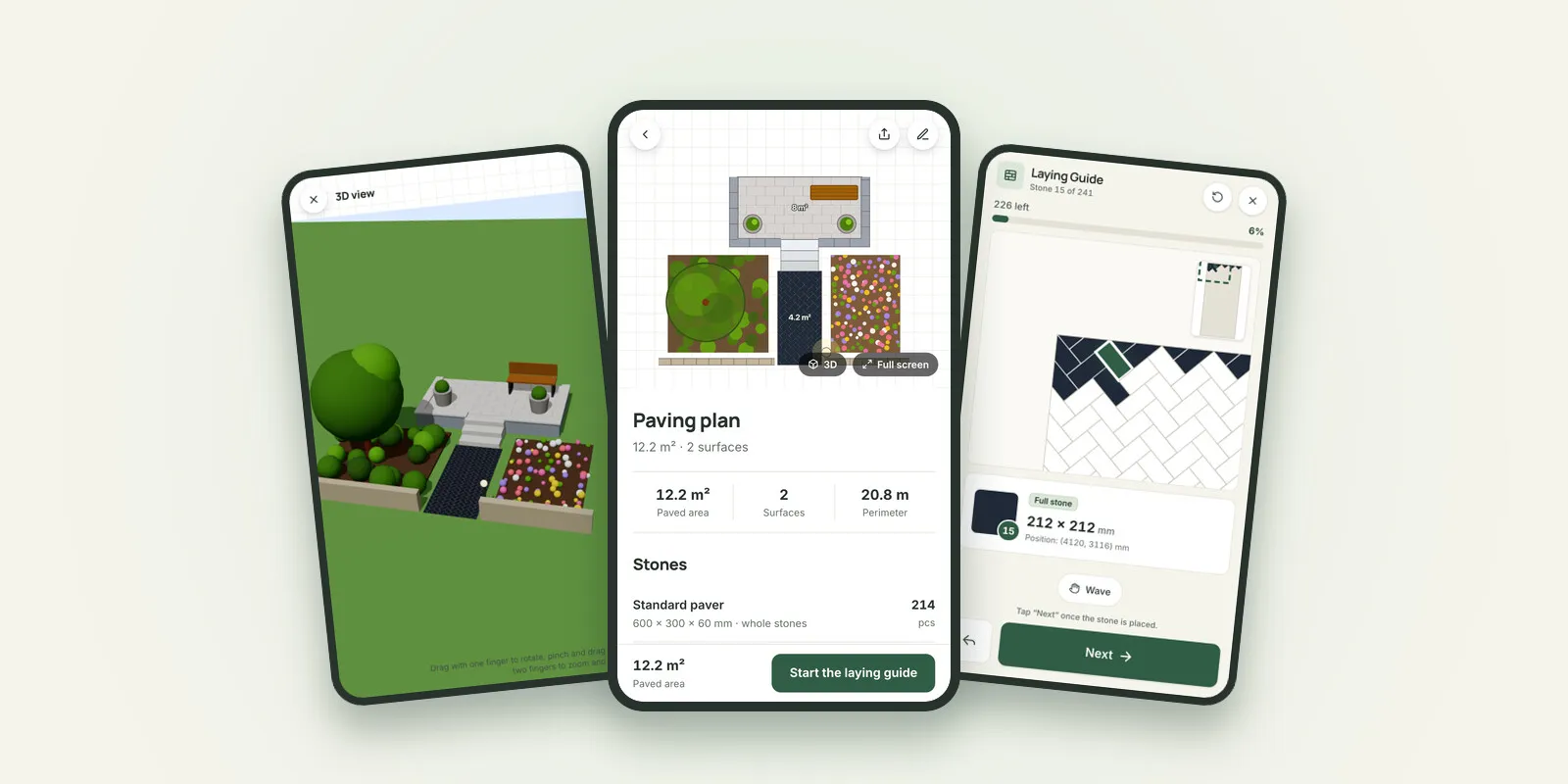
You plan at your desk and pave in the garden. The PatioPlanner app for Android puts your plan on your phone, the way you drew it in the planner.

The plan
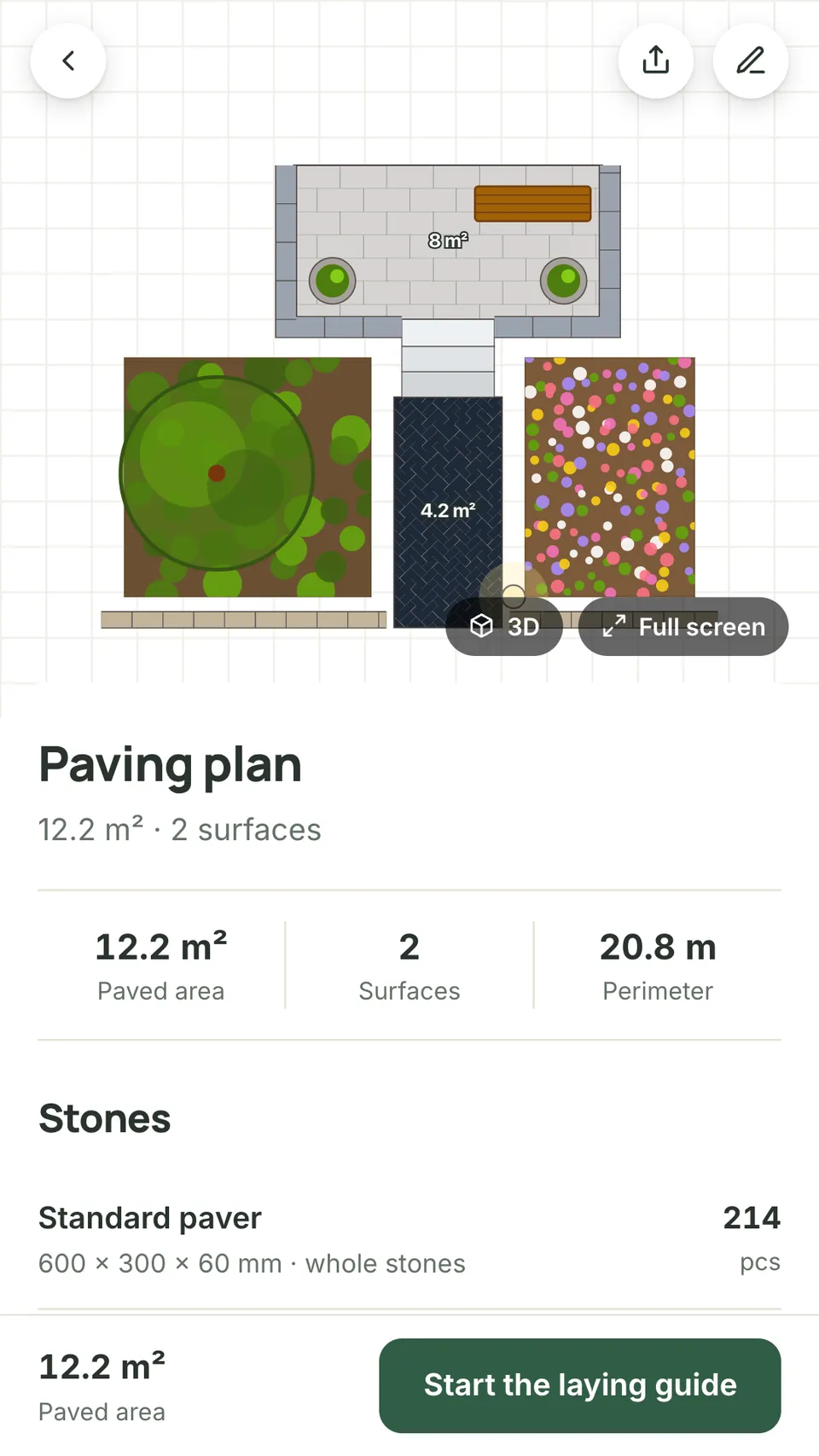
Every stone in its laying pattern, with patio, steps, path and beds.
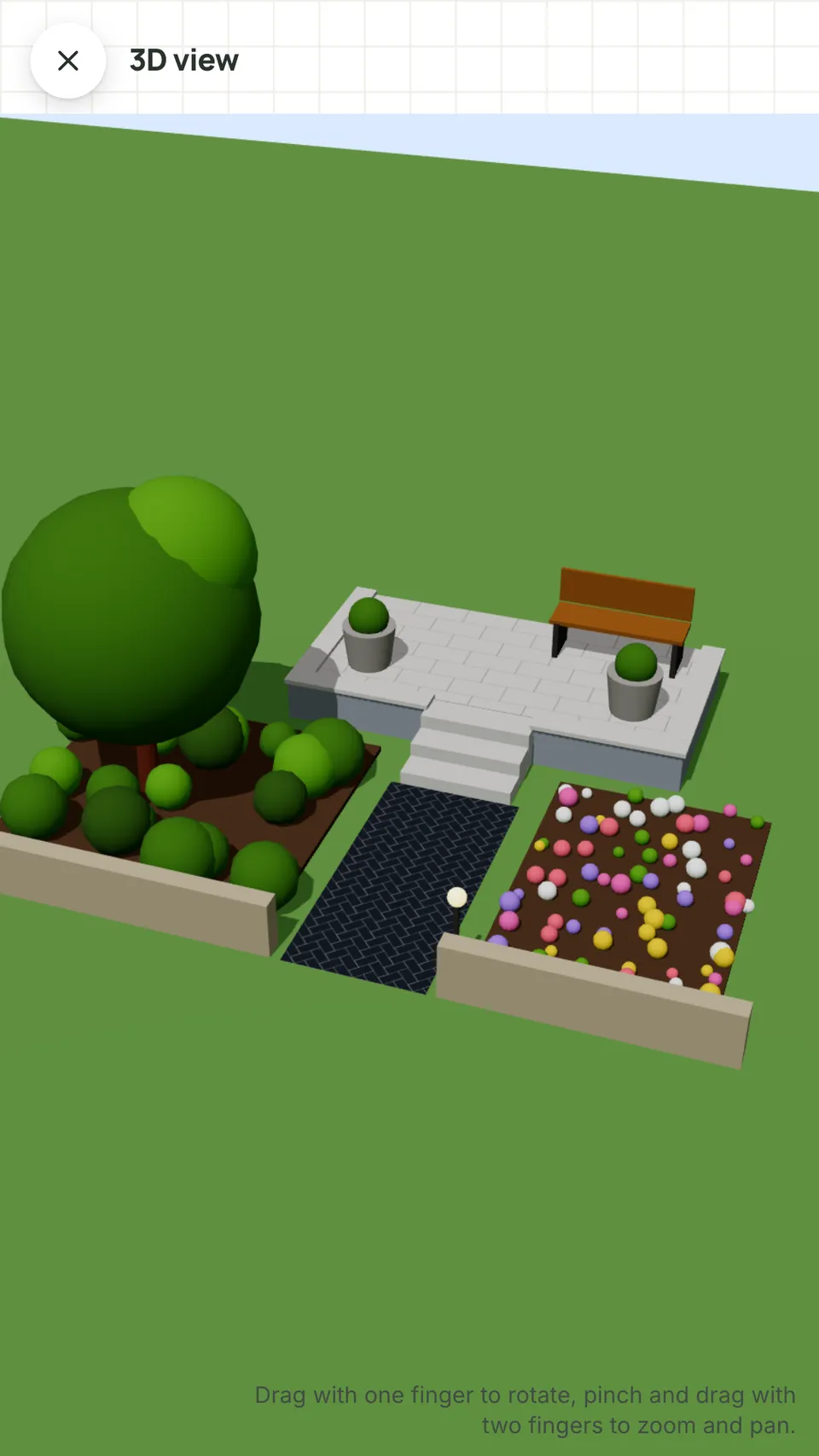
3D view
Turn it with one finger, zoom with two.
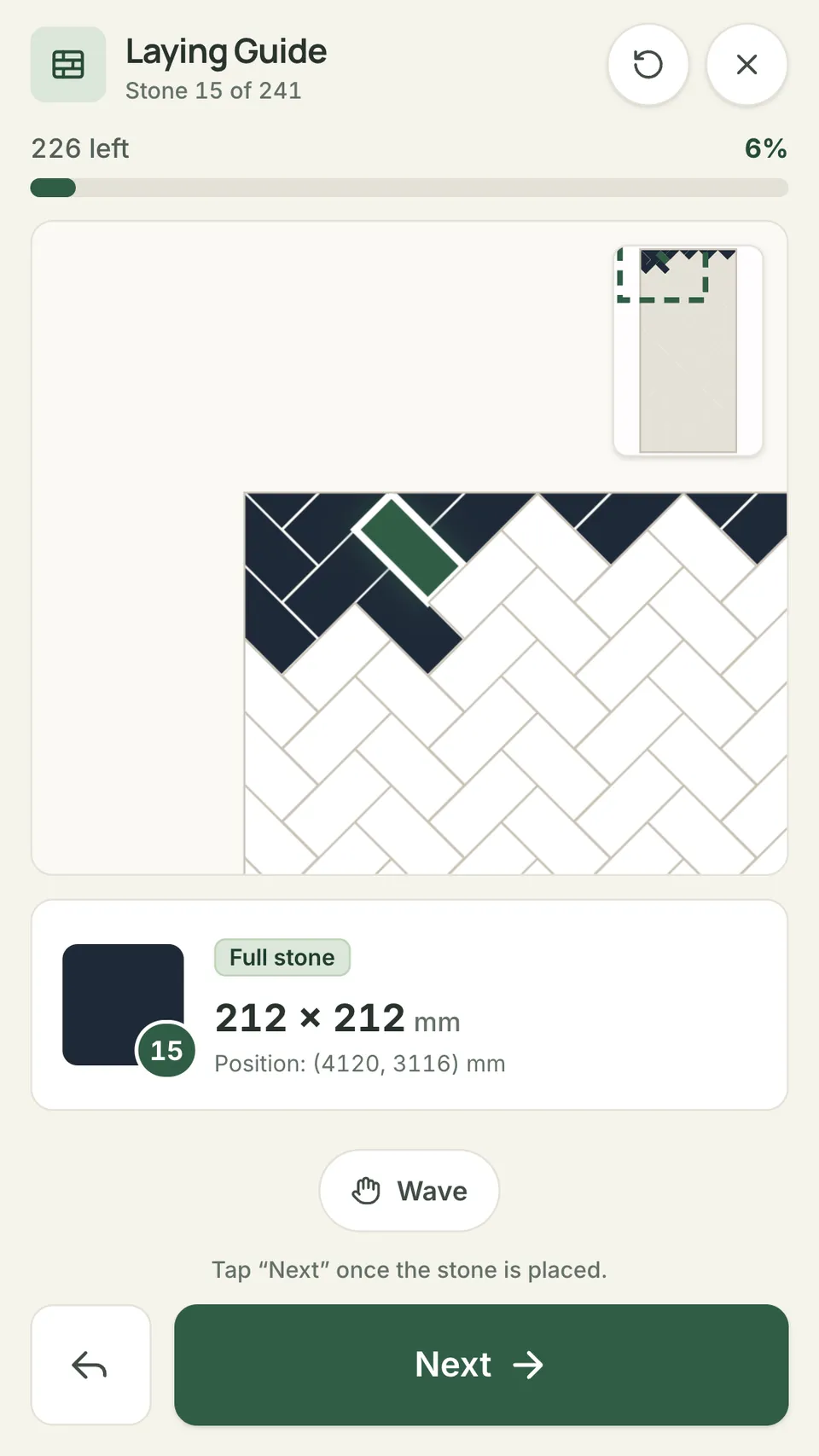
Laying guide
Stone 15 of 241: a whole stone, 212 × 212 mm.
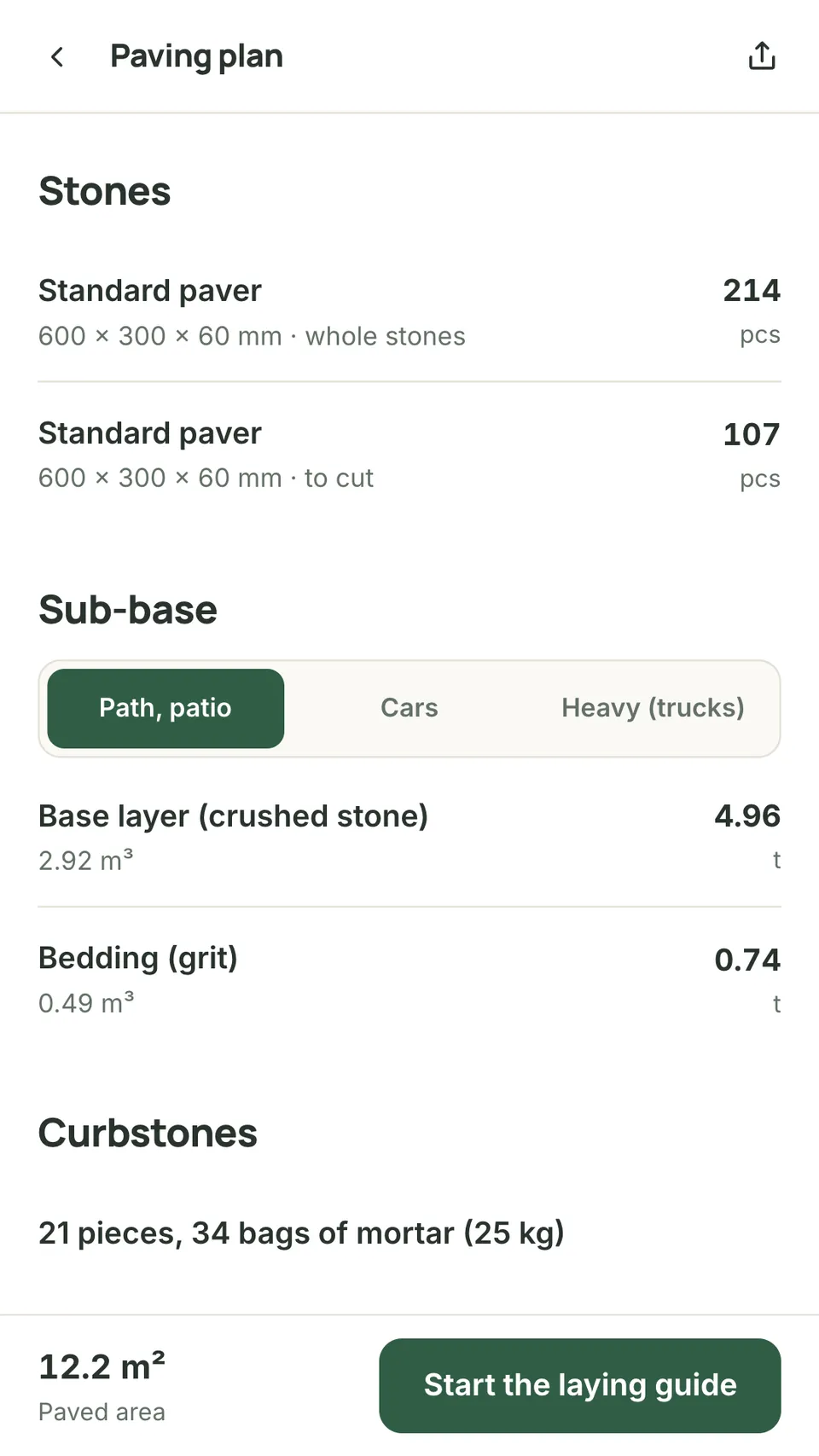
Shopping list
Pavers, crushed stone and grit for a path, curbstones.
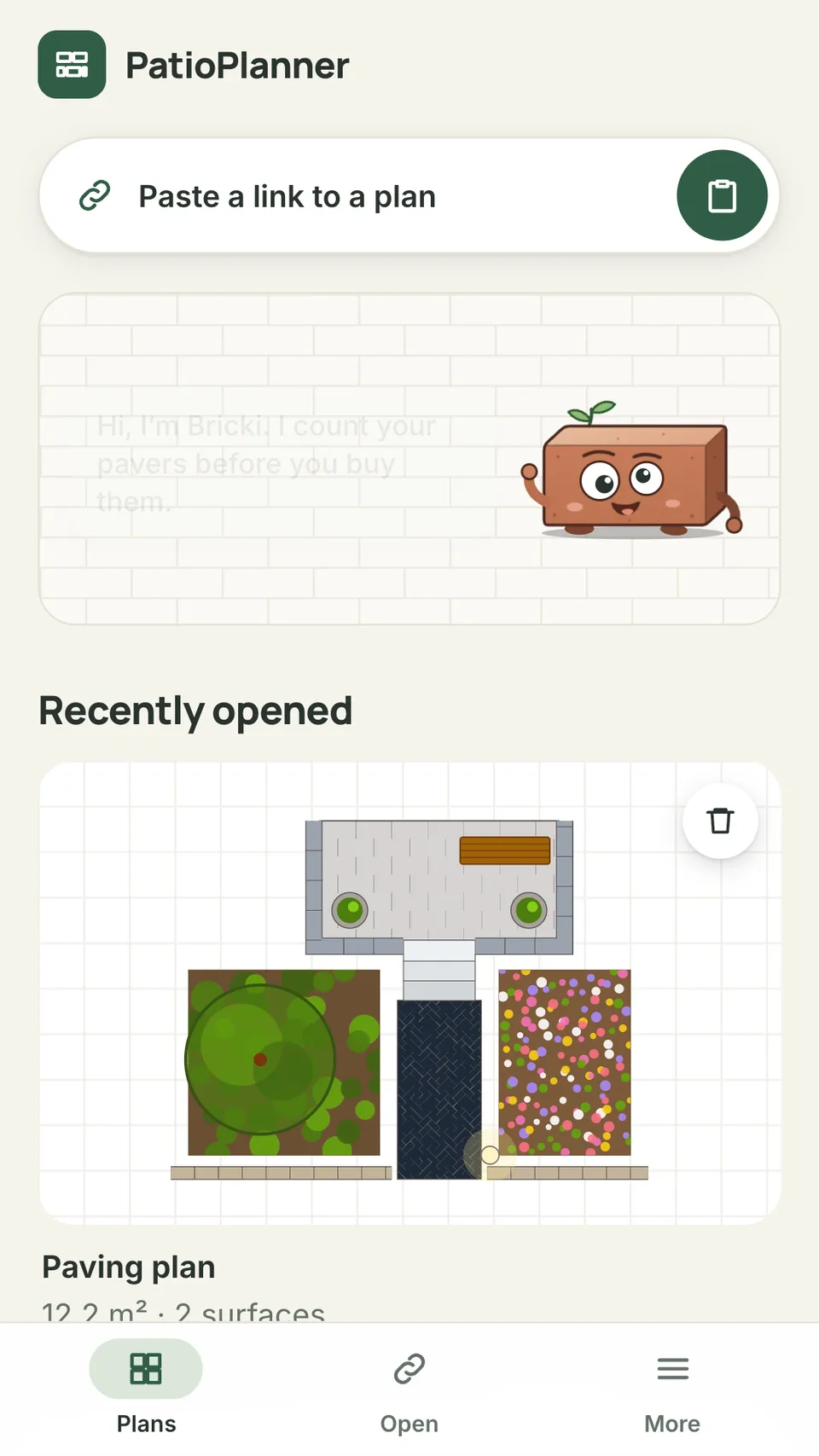
Your plans
Plans you opened stay on your phone with a preview.
From the planner to your phone
In the planner, tap “Share” and then “Share link”. Send the link to yourself or to the company doing the paving, for example by messenger. On the phone, share it from the messenger to the PatioPlanner app or paste it in the “Open” tab.
The app shows the plan as the planner does: every stone in its laying pattern, with walls, steps, beds, plants, measurements and notes. Tap the drawing for full screen and zoom in with two fingers. “3D” shows the garden as a model that you turn with one finger.
Laying guide
“Start the laying guide” opens the planner’s step-by-step guide. It shows which stone goes where next and which stones you have to cut. The app remembers where you stopped and keeps the screen on while the guide is open.
Nobody likes tapping a screen with sandy gloves. Switch on “Wave” and a wave in front of the front camera brings up the next stone. The camera images stay on the phone.
Shopping list
The list covers whole and cut stones, crushed stone and grit for a path, cars or trucks, curbstones and joint filler. For the example plan that is 214 whole and 107 cut stones, 4.96 t of crushed stone, 0.74 t of grit and 21 curbstones.
No account
The app needs no account and shows no ads. It reads the plan from the link and sends nothing over the internet. Plans you opened stay in a list on your phone, each with a preview. You change the plan in the planner and then share the link again.
I’d like to hear how the app does on your site. The feedback button at the bottom right reaches me.